 BugParcel
Bug reports that stay on your machine.
Record a bug on one tab, black out anything private, and download one ZIP that a developer — or Claude Code, Cursor and other AI coding assistants — can read. No account, no server, nothing uploaded.
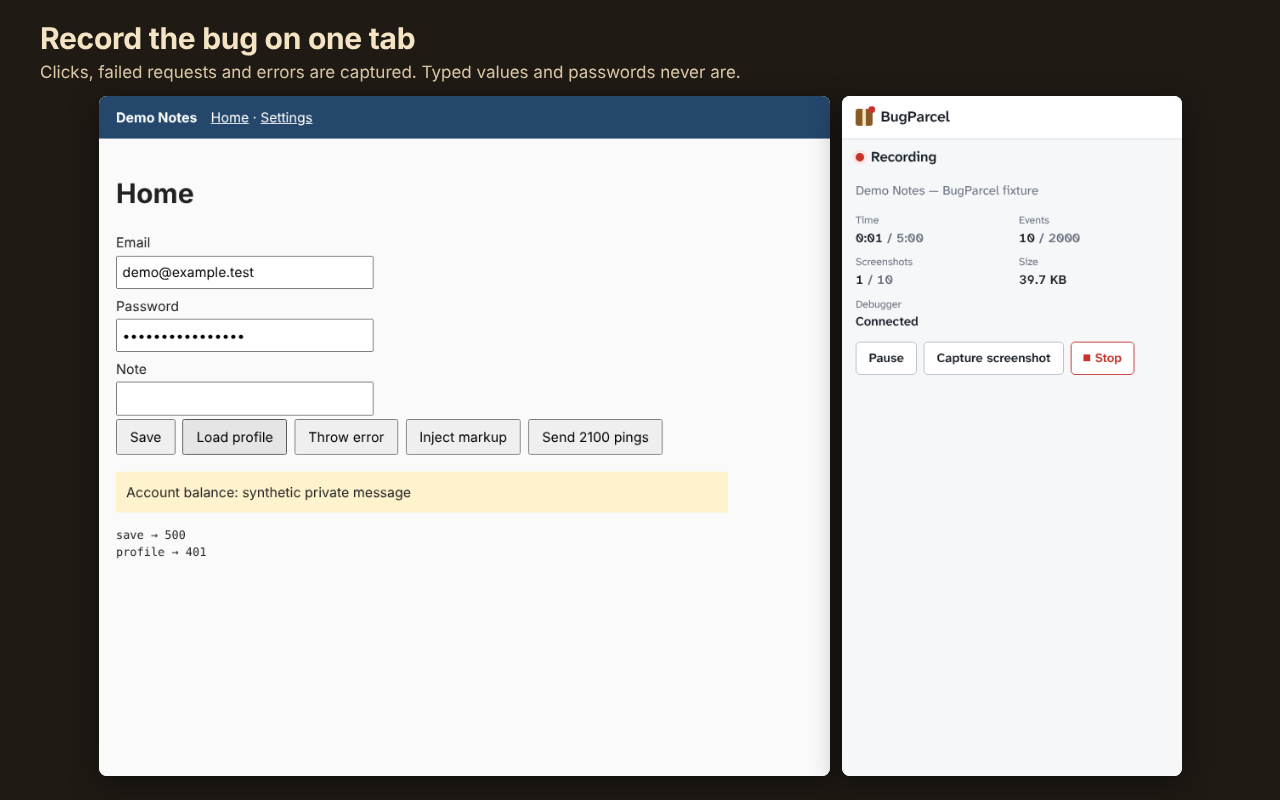
How it works
1. Record one tab
Press Start on the tab with the bug and reproduce it. Clicks, page changes, failed requests and JavaScript errors are captured.
2. Mask and review
Password fields are masked in screenshots automatically; draw extra masks. Review every stored event before export.
3. Export one ZIP
report.md, repro steps, a Playwright test draft and masked screenshots — ready to paste into an issue or an AI assistant.
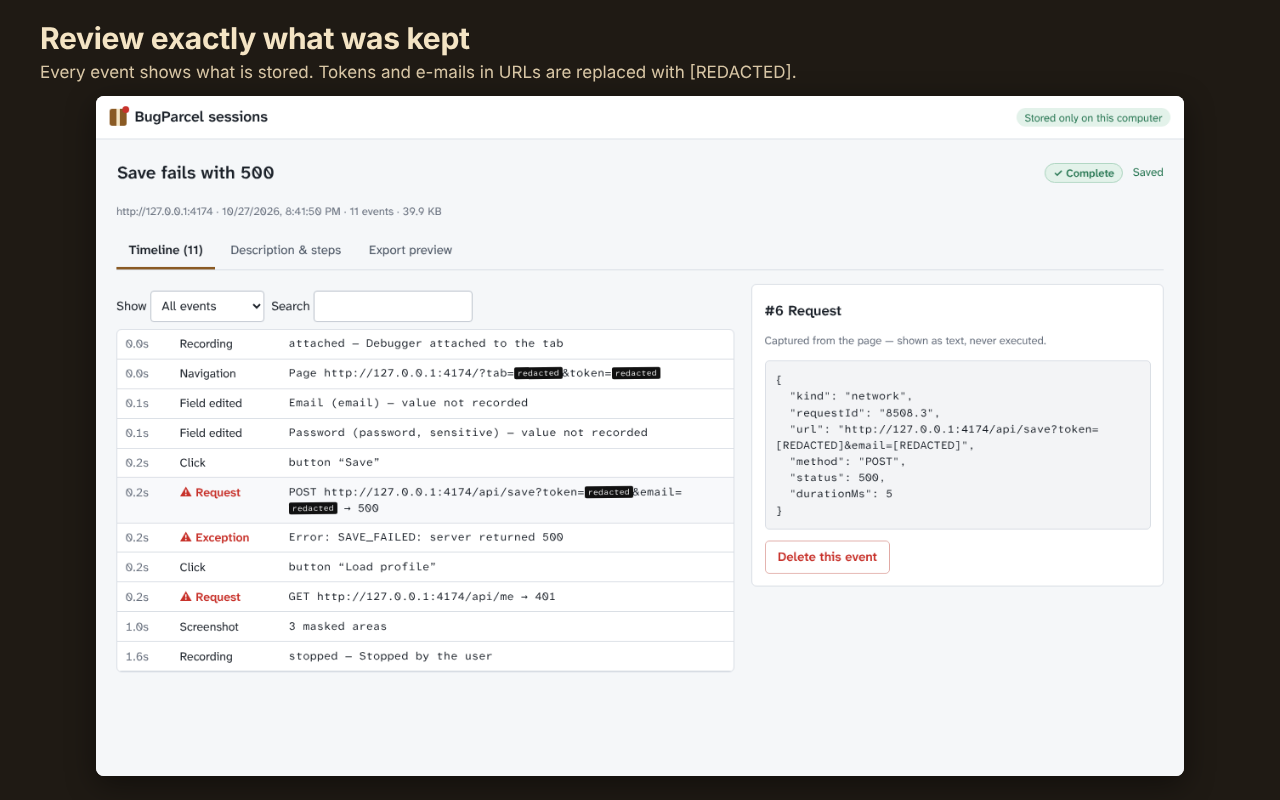
What is recorded — and what never is
| Recorded | Never recorded |
|---|---|
| Role, name and label of the element you clicked | What you type (only “field edited”) |
Page and route changes (query values replaced with [REDACTED]) | Request/response headers and bodies, cookies, localStorage |
| Request method, cleaned URL, status, timing | Unmasked screenshots |
| Cleaned error message and stack | Console messages (off unless you turn them on) |
Automatic redaction cannot promise to catch every secret, which is why you review the export before downloading it.
Install
Chrome (and other Chromium browsers), manual install:
- Download bugparcel-extension.zip and unzip it into a folder you will keep.
- Open
chrome://extensionsand switch on Developer mode (top right). - Click Load unpacked and choose the unzipped folder.
- Pin BugParcel from the puzzle-piece menu, open the tab with the bug and press Start recording.
While recording, the browser shows “started debugging this browser”. That is how BugParcel reads failed requests on that one tab; it detaches when you press Stop.